-
Download these files and place them in your repo's
.github/workflowsdirectory. See the tasks in GitHub Marketplace. -
Add the following environment variables:
| Environment Variable | Value/Description |
|---|---|
BIT_CONFIG_ACCESS_TOKEN | a bit.cloud access token with permission levels required for your workflow |
GIT_USER_NAME | a username for git commits made by the CI |
GIT_USER_EMAIL | an email for git commits made by the CI |
tip
Make sure to set up the correct owner and scope name in your workspace.jsonc before releasing.
To learn more, see the docs for this implementation of the workflow, or read the integrating Bit with your existing CI blog post.
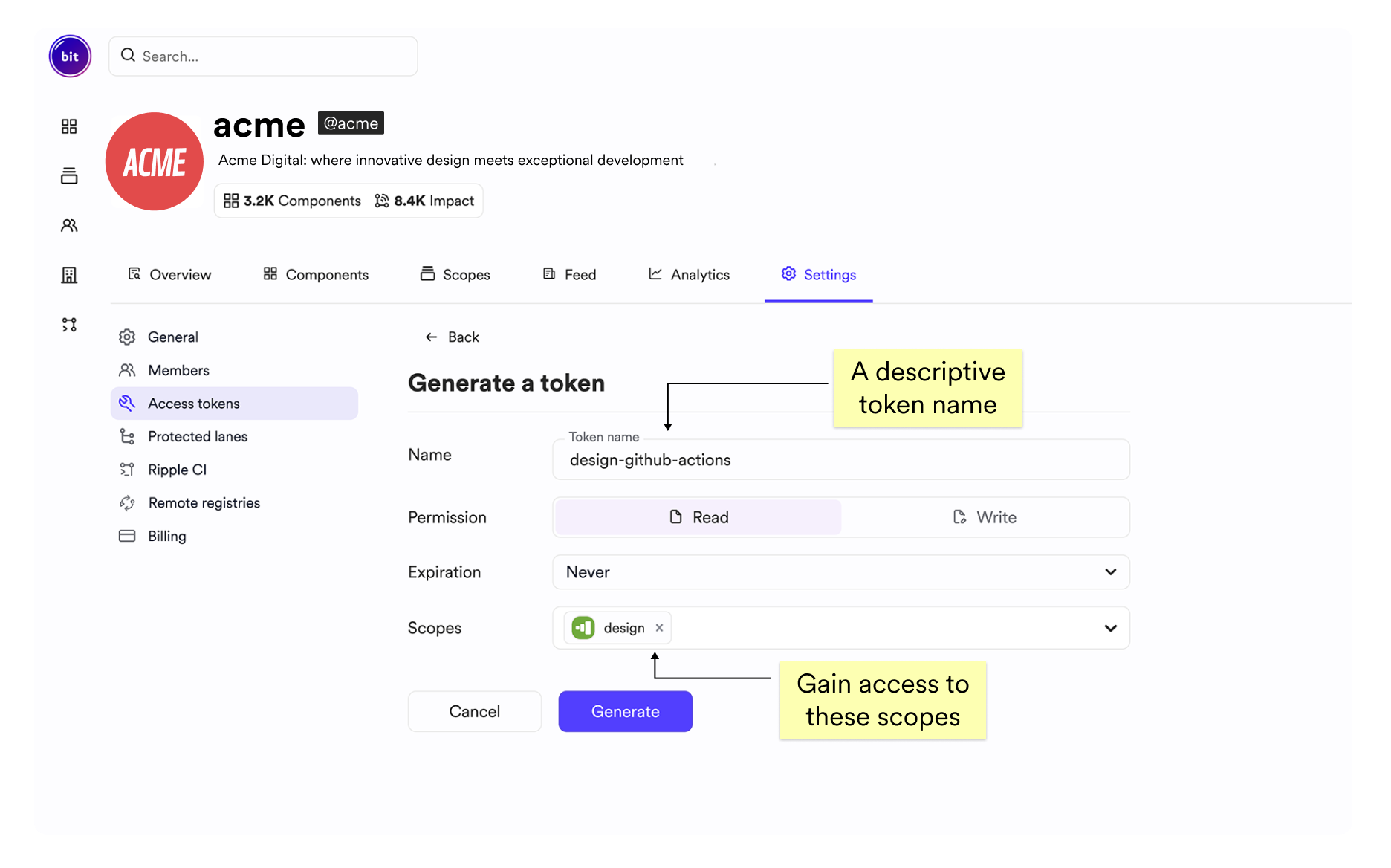
Create a permanent access token for your CI with the proper permissions to install, import and export components in the relevant scopes.
Head over to your organization page on bit.cloud, then click the Settings tab, and then the Access tokens tab.